StoryStitch
Story collages take too long to lay out by hand.

Problem
Putting several photos into one Instagram Story is fiddly. Fotor’s photo stitch lines photos up in a single row or column, and you drag each one into place by hand, with nothing to keep faces whole or out from under Instagram’s buttons and captions.
Who it’s for
People posting Stories from their phone who want several photos in one frame without arranging them by hand.
Key decisions and trade-offs
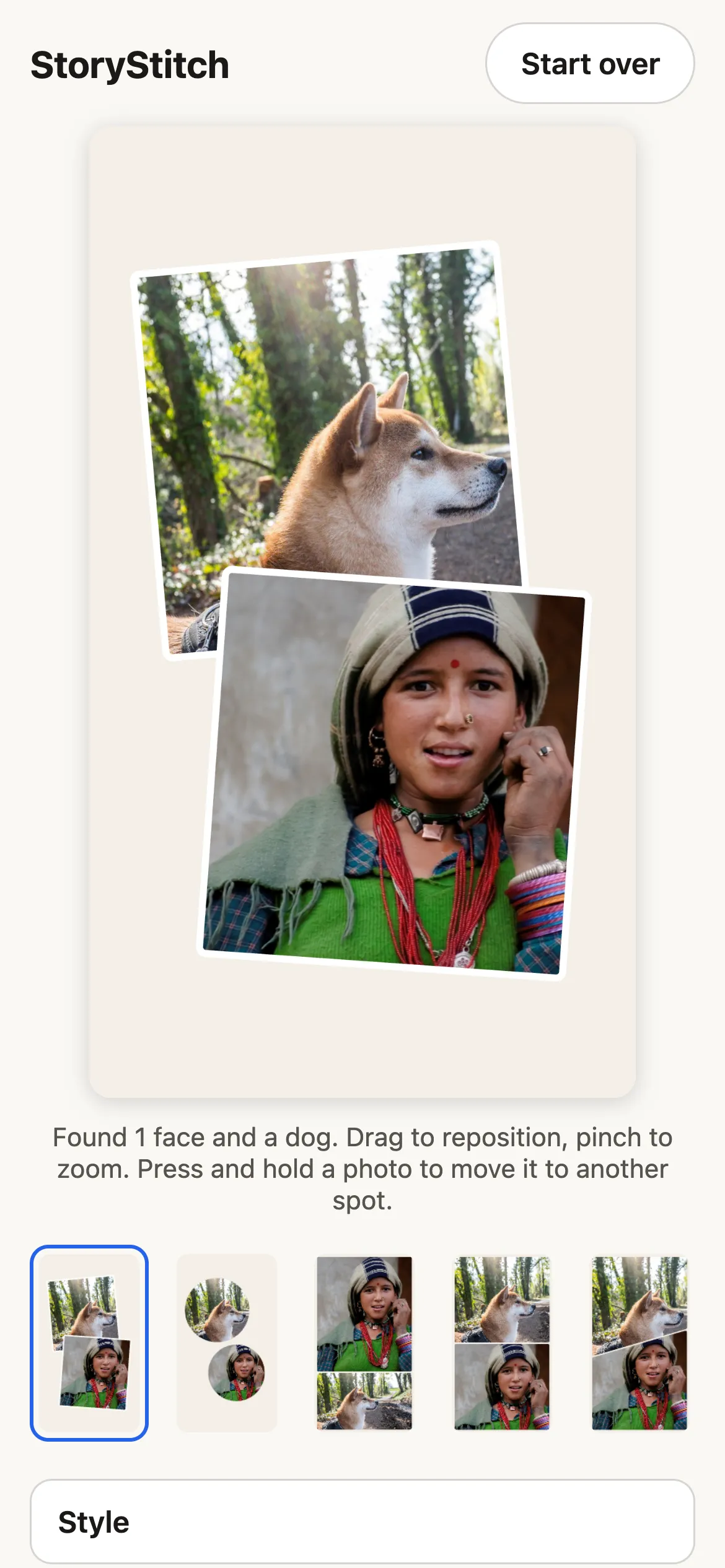
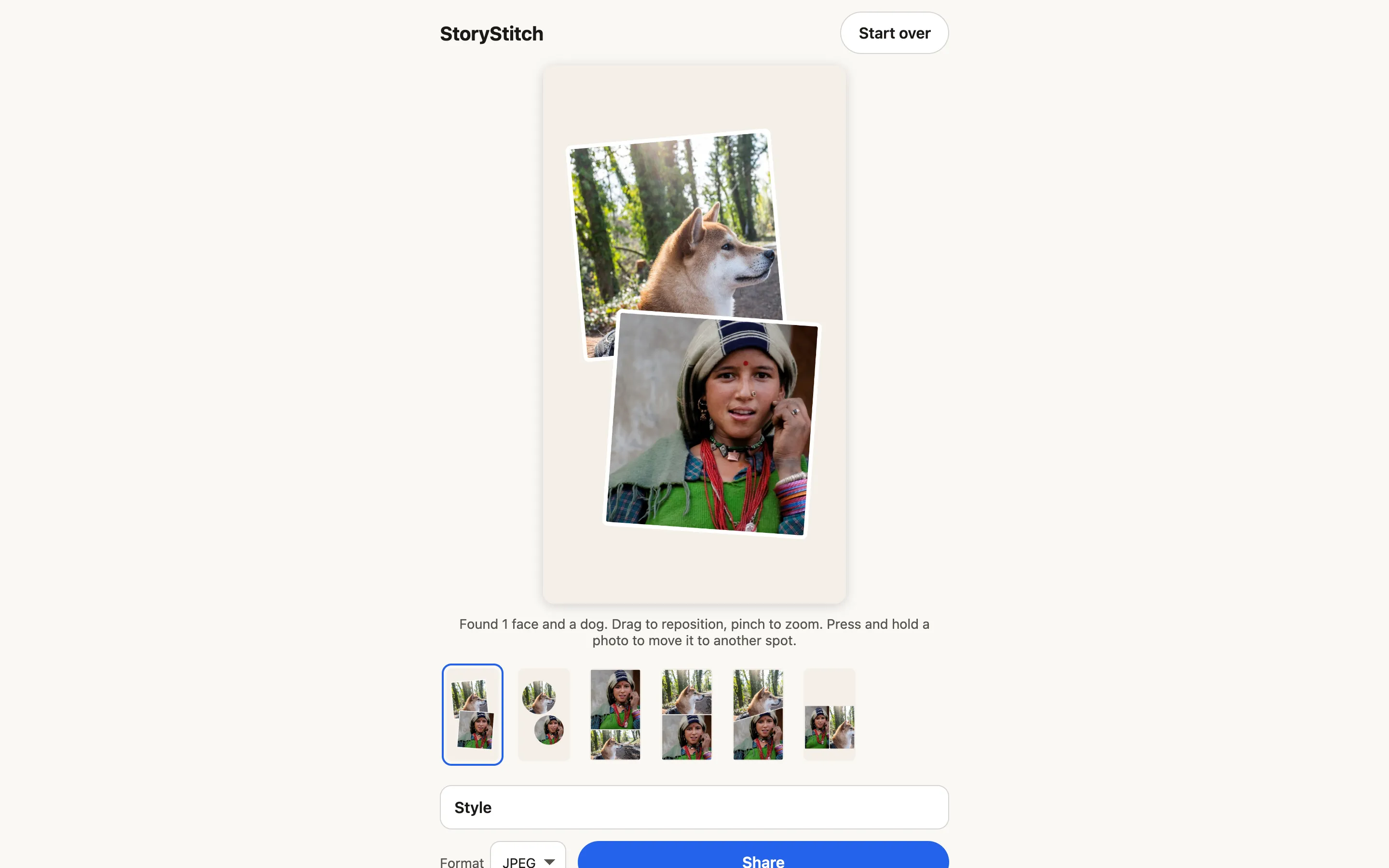
Built for 9:16, not adapted to it. Every layout is designed for the Story canvas, across eight families: grids, one feature photo with smaller ones, mosaics, diagonal splits, scattered prints, filmstrips, circles, and layouts that leave room for text and stickers. Layouts are data, not code. Each is a list of cells in JSON, so adding one means adding an entry and a test.
Photos never leave the phone. Subject detection runs in the browser, and the models download only after you pick photos. That rules out heavier server-side models. In return there is nothing to upload or store, and version 1 runs on static hosting for $0.
Ranking I can explain. For each layout, the app finds the best placement of your photos by solving an optimal assignment over a photo × cell cost matrix. The cost adds up named, weighted penalties: subject cut off, subject under Instagram’s overlays, shape mismatch, upscaling. The layout with the lowest total comes first. Because every weight has a name, I can say why any layout ranked where it did.
Faces are a hard rule. A crop never cuts through a face. When no crop can avoid it, the photo zooms out and shows more background instead.
What I built
A mobile-first web app. Pick up to 8 photos and StoryStitch finds each one’s subject, proposes layouts ranked for that set, and crops around faces while keeping them clear of Instagram’s interface. You can swap photos, re-crop with a pinch, and adjust spacing, corners and background. Export is a 1080×1920 image sent straight to the phone’s share sheet.
The process mattered as much as the app. I started from a written product brief and turned it into 73 acceptance criteria. A release ships only when each of the 66 automated criteria is named by a passing test. The other 7 are checked by hand on a real phone, on staging, before every release. The performance targets are tests too: under 3 seconds to analyze 8 photos once the models are loaded, and under 100 ms to switch layouts.
Results and status
Live at storystitch.ashishnag.com. [TODO: results/status line — Ashish to supply]
What’s next
Version 2 adds optional accounts for saving finished collages. Only the finished image is uploaded; original photos still stay on the device. Accounts are built and tested behind a feature flag. Saved collages and a first-party analytics dashboard come next.